Focus Keyword: Shiva AI Video Prompt
Powerful Shiva AI Video Prompt for Kling AI & Gemini
Shiva AI Video Prompt – Intro
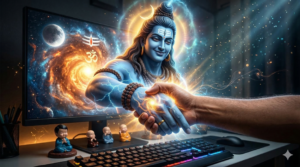
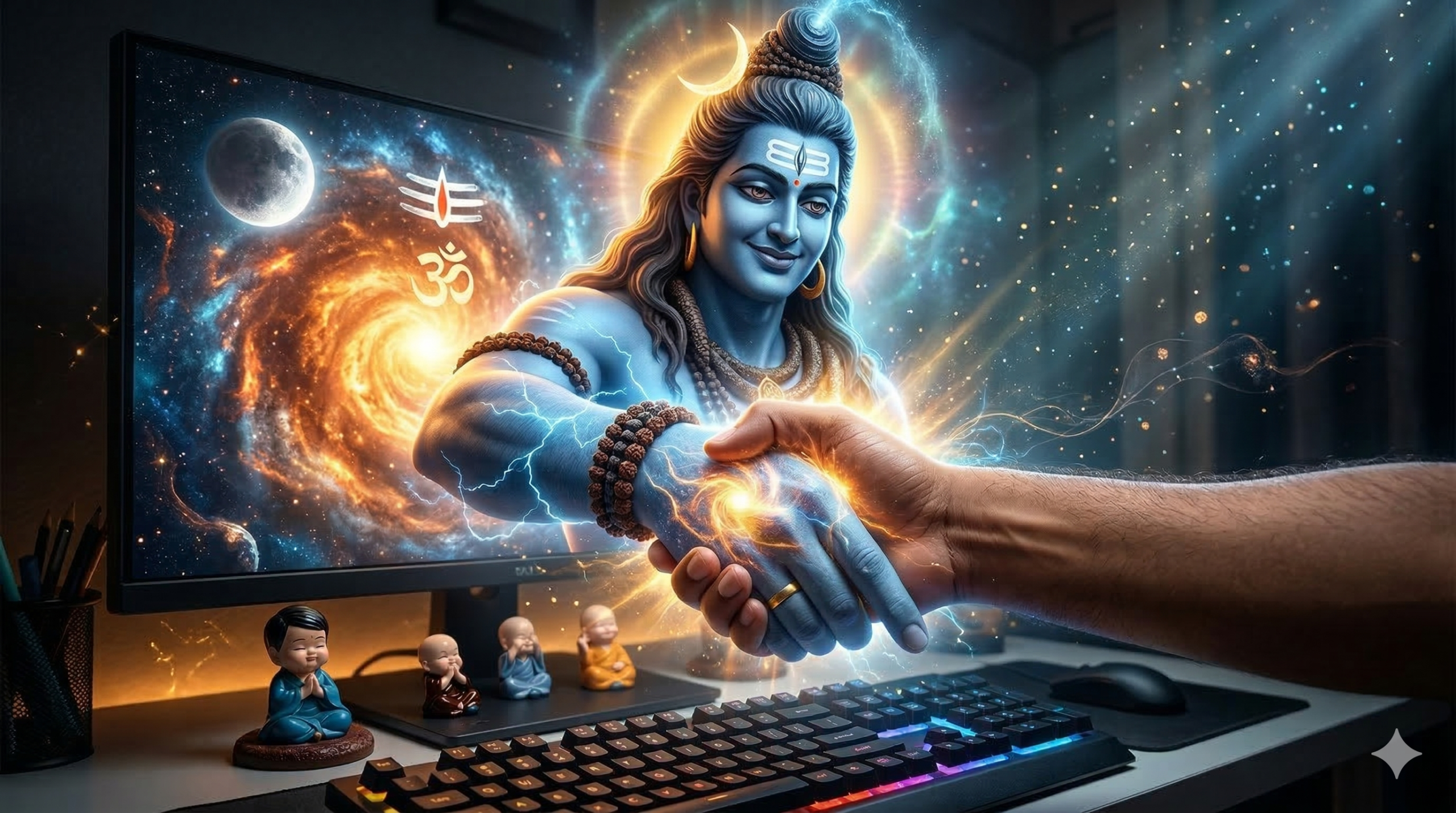
Shiva AI Video Prompt use chesi mee photo nundi cinematic AI video create cheyyadam ippudu chala easy ayipoyindi. Ippudu chala mandhi creators, reels makers, YouTube shorts creators AI tools use chesi viral videos create chesthunnaaru. Mee phone, laptop, leda computer screen lo unna Lord Shiva image ni use chesi AI video generate cheyyachu.
Ee blog lo Shiva AI Video Prompt ela use cheyyalo complete ga explain chesthanu. Mobile, laptop, PC monitor ki separate prompts ivvabaduthayi. Alage Gemini AI lo fast result ela generate cheyyalo, Kling AI lo best cinematic result ela pondalo step by step explain chesthanu.
Ee method use chesi mee photo nundi screen nundi Shiva bayataki vachhi mee hand pattukune cinematic video create cheyyachu.
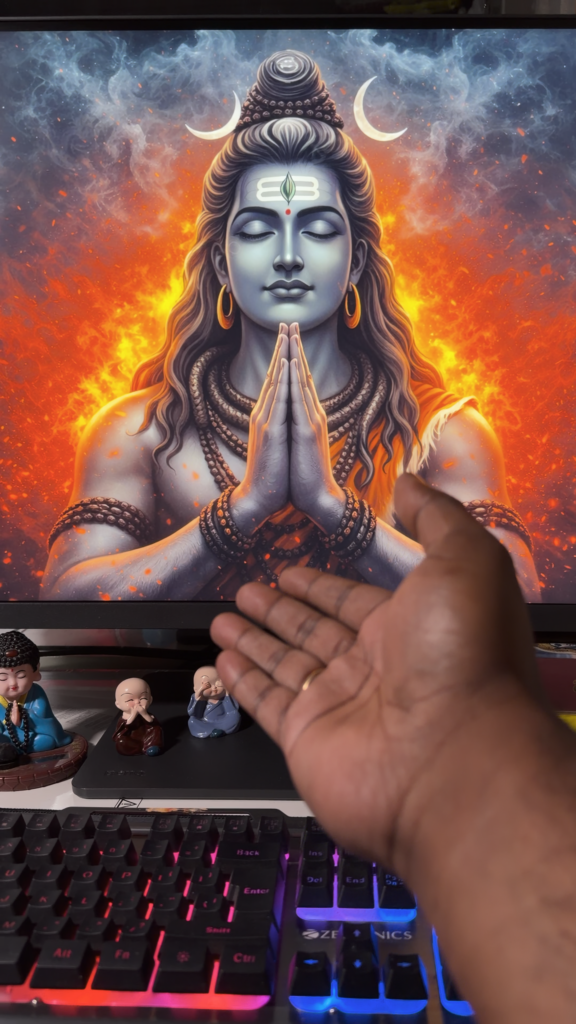
Step 1 – Photo Prepare Cheyyadam
Shiva AI Video Prompt use cheyyadaniki mundu correct photo prepare cheyyadam chala important.
Mee photo lo konni things clear ga undali.
• Screen lo Lord Shiva image clear ga undali
• Mee hand screen ki extend ayye la undali
• Background clutter ekkuva undakudadhu
• Screen text (time/date) remove cheyyadam better
Ila photo prepare chesthe AI ki scene clarity untundi. Appudu video realistic ga generate avvadam easy.
Example image:
Step 2 – Mobile Shiva AI Video Prompt 📱
Mobile screen kosam ee Shiva AI Video Prompt use cheyyachu.
Mobile screen lo Shiva image display ayyi undali. Mee hand phone screen ki reach ayye la photo teeyyali.
Copy this Prompt👇:
A dark cinematic scene inside a dimly lit room at night. A smartphone is held in front of the camera displaying a highly detailed image of Lord Shiva with hands in a namaste pose.

Lord Shiva slowly becomes animated and gently opens his eyes. A divine energy distortion forms around him and the screen ripples like liquid glass.

Lord Shiva slowly separates his hands from the namaste pose and extends one hand toward the real human hand in front of the phone.

His hand emerges from the phone screen with glowing particles and spiritual energy.

Ultra slow motion moment as Shiva holds the human hand.

Final shot: Shiva pulls the hand toward the screen and the camera moves into a divine cosmic dimension.

Ultra realistic cinematic lighting, 4K HDR, dramatic shadows, volumetric light, no cartoon style.
Step 3 – Laptop Shiva AI Video Prompt 💻
Laptop screen kosam konchem different prompt use cheyyali.

Laptop screen bigger kabatti cinematic movement clear ga generate avuthundi.
Copy this Prompt👇:
A dark cinematic scene inside a dimly lit room at night. A laptop sits on a desk displaying a detailed image of Lord Shiva in a namaste pose.

Lord Shiva slowly becomes animated. His eyes open and he smiles peacefully.

The laptop screen ripples like liquid glass as Shiva separates his hands from the namaste pose.

One hand slowly extends out of the laptop screen toward a real human hand in front of the camera.

Ultra slow motion handshake moment with glowing divine energy spreading from the contact point.

Final shot: Shiva pulls the hand toward the screen and the camera enters a divine dimension.

Ultra realistic cinematic lighting, 4K HDR, dramatic shadows, volumetric light.
Step 4 – PC Monitor Shiva AI Video Prompt 💻
Computer monitor kosam ee Shiva AI Video Prompt best ga work chesthundi.
Monitor bigger kabatti screen nundi bayataki vachhina illusion chala realistic ga kanipisthundi.
Copy this Prompt👇:
A dark cinematic scene inside a dimly lit room at night. A computer monitor sits on a desk displaying a highly detailed image of Lord Shiva with hands in a namaste pose.

Lord Shiva slowly becomes animated and opens his eyes with a calm smile.

The monitor screen ripples like liquid glass and Shiva slowly separates his hands from the namaste pose.

One hand extends forward and emerges from the monitor screen with glowing divine energy.

In the foreground a real human hand is extended.

Shiva gently holds the human hand and a golden divine energy spreads from the contact point.

Final cinematic moment as Shiva pulls the hand toward the screen and the camera enters a cosmic spiritual dimension.

Ultra realistic cinematic lighting, 4K HDR, dramatic shadows, volumetric light.
Step 5 – Gemini AI lo Video Generate Cheyyadam
Gemini AI use chesi Shiva AI Video Prompt fast ga video create cheyyachu.
Steps:
- Gemini AI open cheyyandi
- Image to video option select cheyyandi
- Mee photo upload cheyyandi
- Shiva AI Video Prompt paste cheyyandi
- Generate press cheyyandi
Gemini advantage enti ante instant result vastundi.
Step 6 – Kling AI lo Cinematic Video Create Cheyyadam
Best cinematic result kavali ante Kling AI best option.
Official website:
https://klingai.com
Steps:
- Kling AI website open cheyyandi
- Google account tho login avvandi
- Image to Video option select cheyyandi
- Mee photo upload cheyyandi
- Shiva AI Video Prompt paste cheyyandi
- Duration 5–10 seconds select cheyyandi
- Generate click cheyyandi
Konni minutes wait chesthe cinematic video ready avuthundi.
Note: Kling AI lo free credits kuda istharu.

Tips for Better AI Video Results
Better result kosam konni tips follow avvandi.
• Screen clear ga undali
• Shiva image center lo undali
• Hand natural position lo undali
• Lighting dark cinematic style lo undali
Ila chesthe Shiva AI Video Prompt result chala realistic ga vasthundi.
FAQ
Shiva AI Video Prompt free ga use cheyyacha?
Avunu. Gemini AI mariyu Kling AI lo free credits tho try cheyyachu.
Gemini AI lo result fast ga vastundha?
Avunu. Gemini AI lo video almost instant ga generate avuthundi.
Kling AI enduku better?
Kling AI lo cinematic quality, lighting, motion chala realistic ga untayi.
Mobile photo tho video create cheyyacha?
Avunu. Mobile, laptop, PC monitor photo tho video create cheyyachu.
Ee video Instagram reels ki use cheyyacha?
Avunu. Ee type AI videos reels lo viral ayye chances ekkuva.
Disclaimer
Ee blog educational purpose kosam create cheyyabadindi. AI tools generate chese content platform policies ni follow cheyyali. Religious images use chese appudu respect maintain cheyyadam important. AI generated videos entertainment mariyu creative purpose kosam matrame use cheyyali.
Phone Location Trick
Click HereExternal DoFollow Links:
Kling AI – https://klingai.com
Gemini AI – https://gemini.google.com